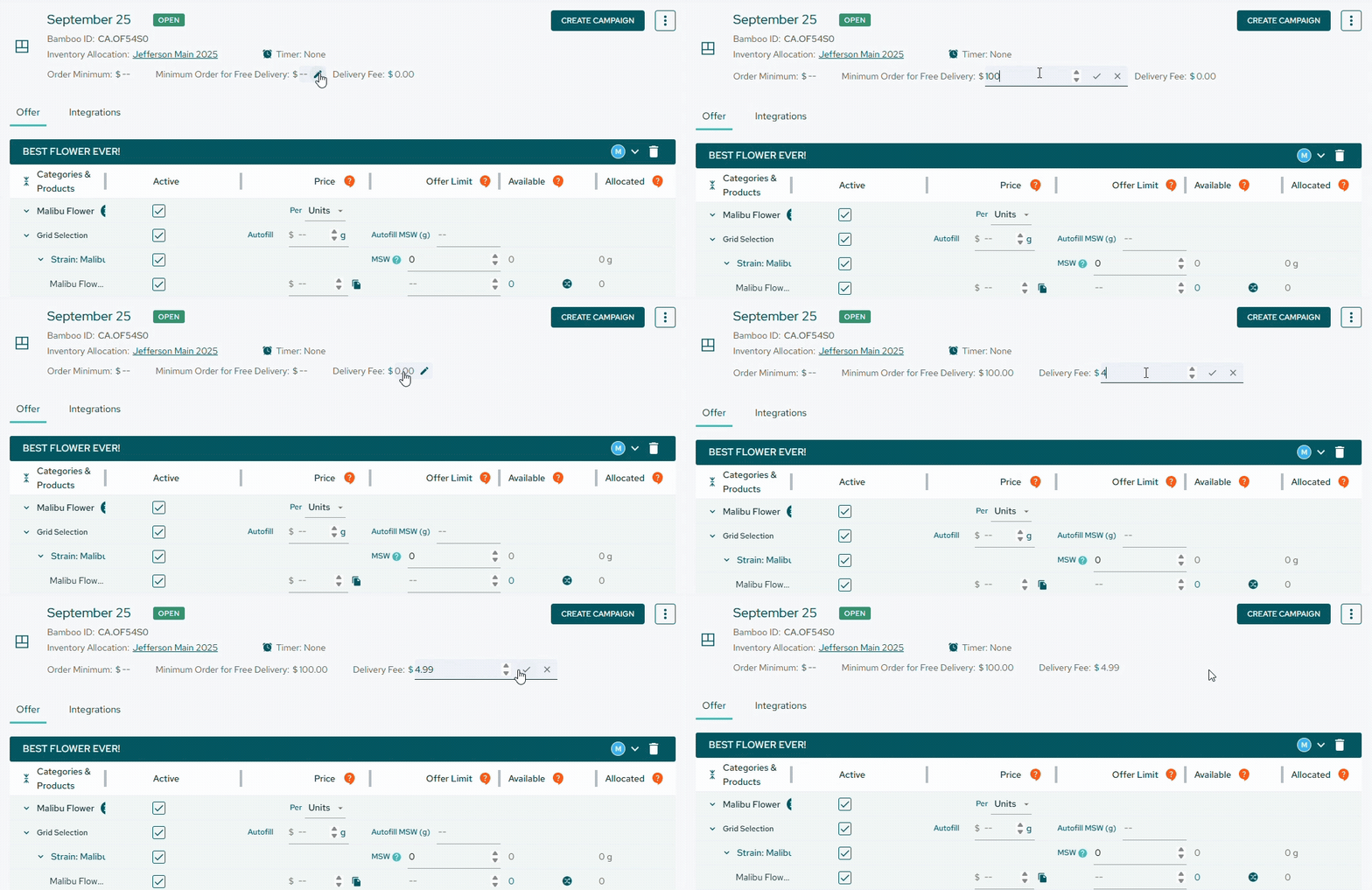
You can add a delivery fee to your Offer. In addition to setting an order minimum, if you want to charge a delivery fee when the order does not meet the minimum amount, simply complete the fields when creating the Offer for your Campaign.
This delivery fee will also appear on purchase orders, invoices, and reports for your convenience.
Please note that if you are syncing invoices to Quickbooks, you must enable Shipping in your QB account settings (Account and settings > Sales > Shipping) in order to show the delivery fee on the shipping field. Otherwise, the delivery fee will be shown as a new Delivery Fee item on the invoice.
